A small board has a specific job
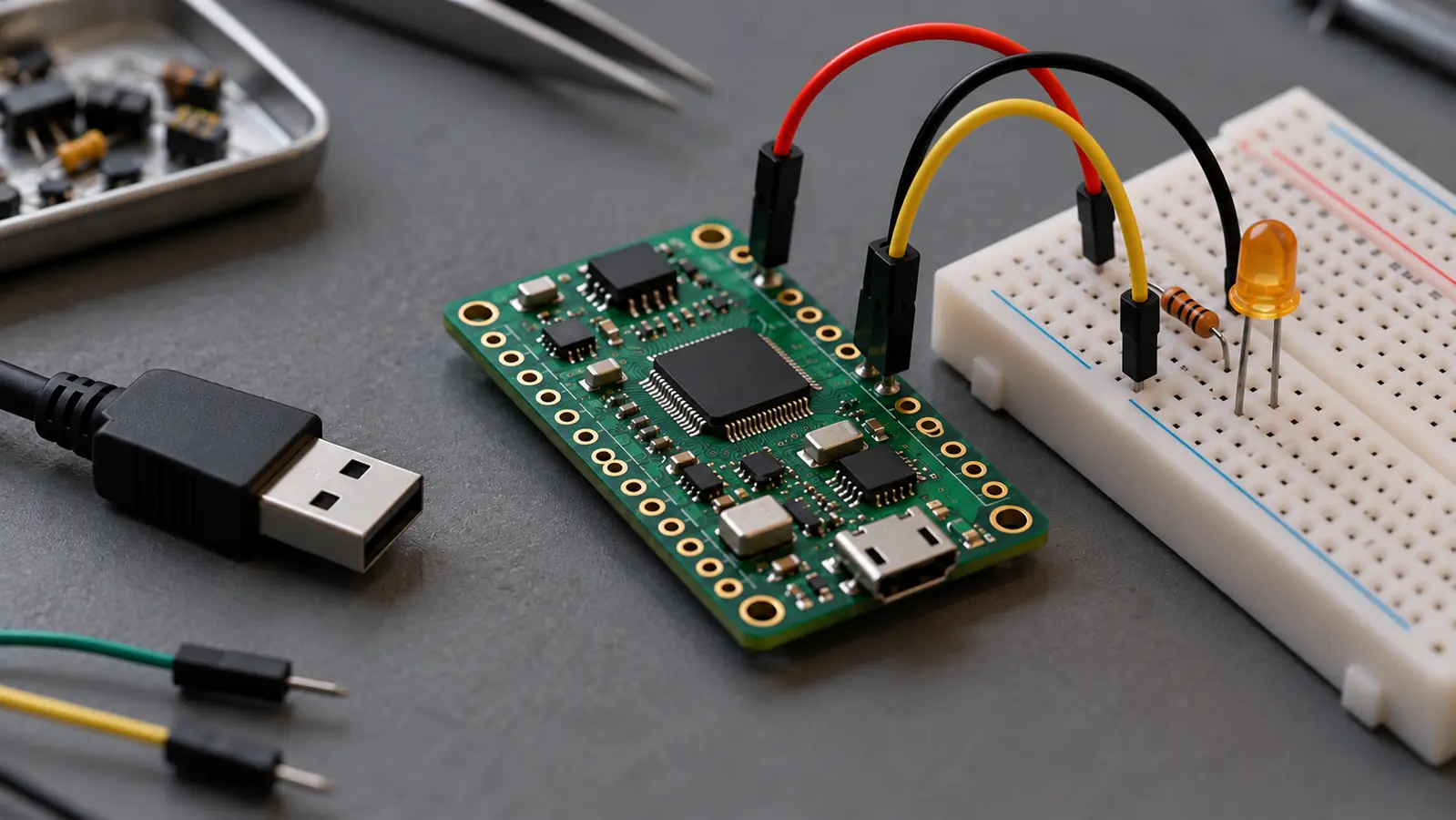
Raspberry Pi’s documentation distinguishes Pico microcontrollers from its Linux computers. Pico boards are programmed with MicroPython, C or C++; Pico 2 W adds wireless connectivity. They are useful to understand as components in a project, rather than treating every small board as a general-purpose AI computer.
If you want a physical starting point, this Pico 2 W compatible board with soldered headers (affiliate link) is an optional listing to investigate. It is described as a compatible board, so verify its seller, variant, firmware and pinout rather than assuming it is the official Raspberry Pi retail board.
As an Amazon Associate I earn from qualifying purchases. This optional recommendation is not a claim of hands-on testing.
Source: Raspberry Pi: Pico microcontroller boards ↗ · Raspberry Pi: Getting started with Pico ↗ · MicroPython: Raspberry Pi Pico 2 W firmware ↗
Our method: baseline, then assistance
Begin with the manufacturer’s getting-started guidance for the exact board. Prove that you can connect it and run the appropriate basic example before adding a sensor, network connection or AI-generated code. We have not tested this listing or built the proposed project.
Ask an AI assistant to explain the example you have verified, then propose one small change. Compare that proposal with the documentation before running it. A pin number or firmware file that suits another board is not a harmless detail. Keep the first experiment to the documented low-voltage development setup; do not connect household mains appliances.
You can start without buying
On paper, describe three observations: what should happen, what actually happened, and what changed between attempts. If you have no board yet, practice reviewing an official example and identifying where board-specific instructions matter.
Later, use the same record for a sensor project. Establish how an ordinary rule behaves before deciding whether AI adds value. That makes debugging a sequence of explainable steps instead of a contest between confident guesses.
Try this, then make it yours.
Choose an official beginner example, identify its board-specific requirements, and describe one small change you could verify.
Follow the signal.
Our reporting starts here. Practical suggestions are our analysis, and vendor performance statements are claims unless independently verified. We haven’t hands-on tested this release.
- Raspberry Pi: Pico microcontroller boards ↗
- Raspberry Pi: Getting started with Pico ↗
- MicroPython: Raspberry Pi Pico 2 W firmware ↗