The beautiful object and the useful object
A virtual box can look exactly right and still behave unlike the box on your desk. Its surface may be beautifully rendered while its scale, weight, or contact behavior is wrong for the question you want to explore. For a game scene, that may be an artistic choice. For a robotics experiment, it becomes part of what the system learns.
NVIDIA's October 21 SimReady Central announcement describes a library of more than 2,000 OpenUSD assets on Hugging Face. The idea is to supply simulation-relevant properties alongside 3D geometry. Depending on an asset's profile, these can include collision geometry, physical properties, joints, semantic labels, or sensor-related attributes. The announcement emphasizes checking which capabilities an asset supports for the intended workflow.
That last point is the useful one for a curious builder. Simulation-ready describes preparation for particular uses; it should not be treated as a promise that every asset is appropriate for every experiment. The accompanying SimReady Foundation documentation defines profiles, requirements, and validation tools. Our interpretation is that these give you better questions to ask about an asset, while the physical task still needs its own evaluation.
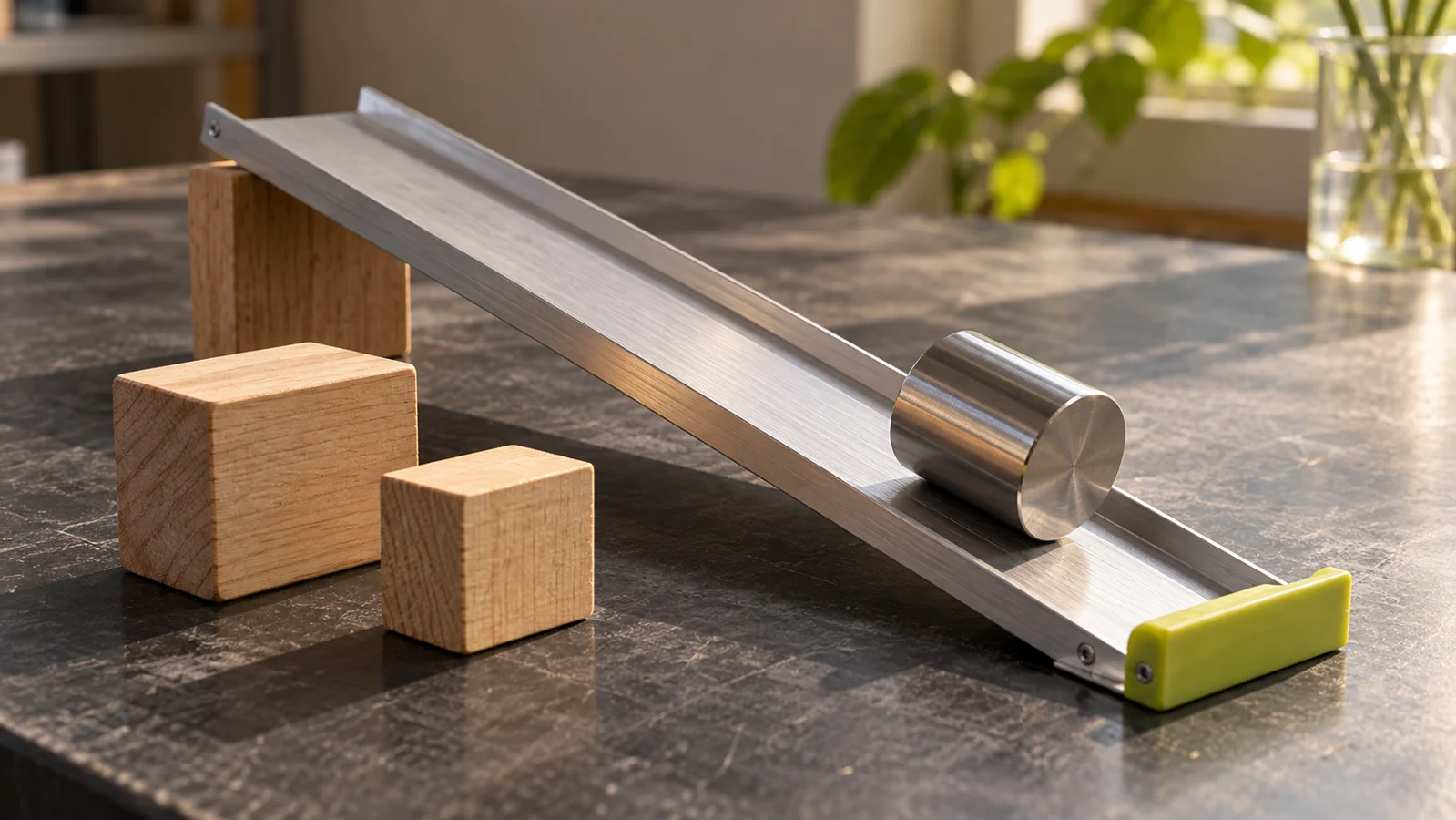
This article proposes a tabletop-scale thinking exercise, not a report of a robot we trained or an asset we tested. Imagine a virtual block, a shallow ramp, and a simple question about how the block moves. You can learn a lot by listing what the scene must know before pressing play. The attractive surface is only one item on that list.
Source: NVIDIA: SimReady Central Library announcement ↗ · NVIDIA: SimReady Foundation content guidelines and requirements ↗ · NVIDIA: SimReady Foundation repository ↗ · Makeblock Help Center: What is mBot? ↗
Write the question before choosing the asset
Begin with the behavior you want to investigate. Are you checking whether an object fits through an opening, whether a gripper can reach it, or how it responds to contact? These questions require different information. A scene can be detailed in ways that do not help your actual task.
For the block-and-ramp exercise, keep the goal modest: explore how a change in one assumed property changes the simulated outcome. You are not proving that a real robot will succeed or designing a safety-critical mechanism. The exercise is about understanding dependencies, so a simple scene is an advantage.
List what the question requires. A fit question needs relevant dimensions and a consistent scale. A contact question needs a representation of the colliding surfaces and the physical parameters used by the simulation. A camera-based recognition exercise may depend on appearance and viewpoint in a different way. Do not assume that an asset's strengths in one category establish its suitability in another.
Then look at the asset's declared capabilities and documentation. Which of your requirements are supplied? Which are missing, uncertain, or your responsibility to configure? An empty field should remain an unanswered question until you can justify a value. Filling everything with convenient defaults can create a complete-looking scene while hiding the assumptions that determine the result.
You can do this planning without installing anything. Draw a block and ramp on paper, write the intended question, and annotate the facts you would need. That small exercise makes the later documentation easier to read because you know what you are looking for.
Check scale, contact, and movement separately
Start with scale. A visually plausible scene can conceal a unit mismatch because objects are displayed together at whatever size looks good on screen. For your exercise, record the units and a reference dimension. Ten centimeters and one tenth of a meter describe the same length; ten meters does not. Keep the conversion explicit rather than relying on visual intuition.
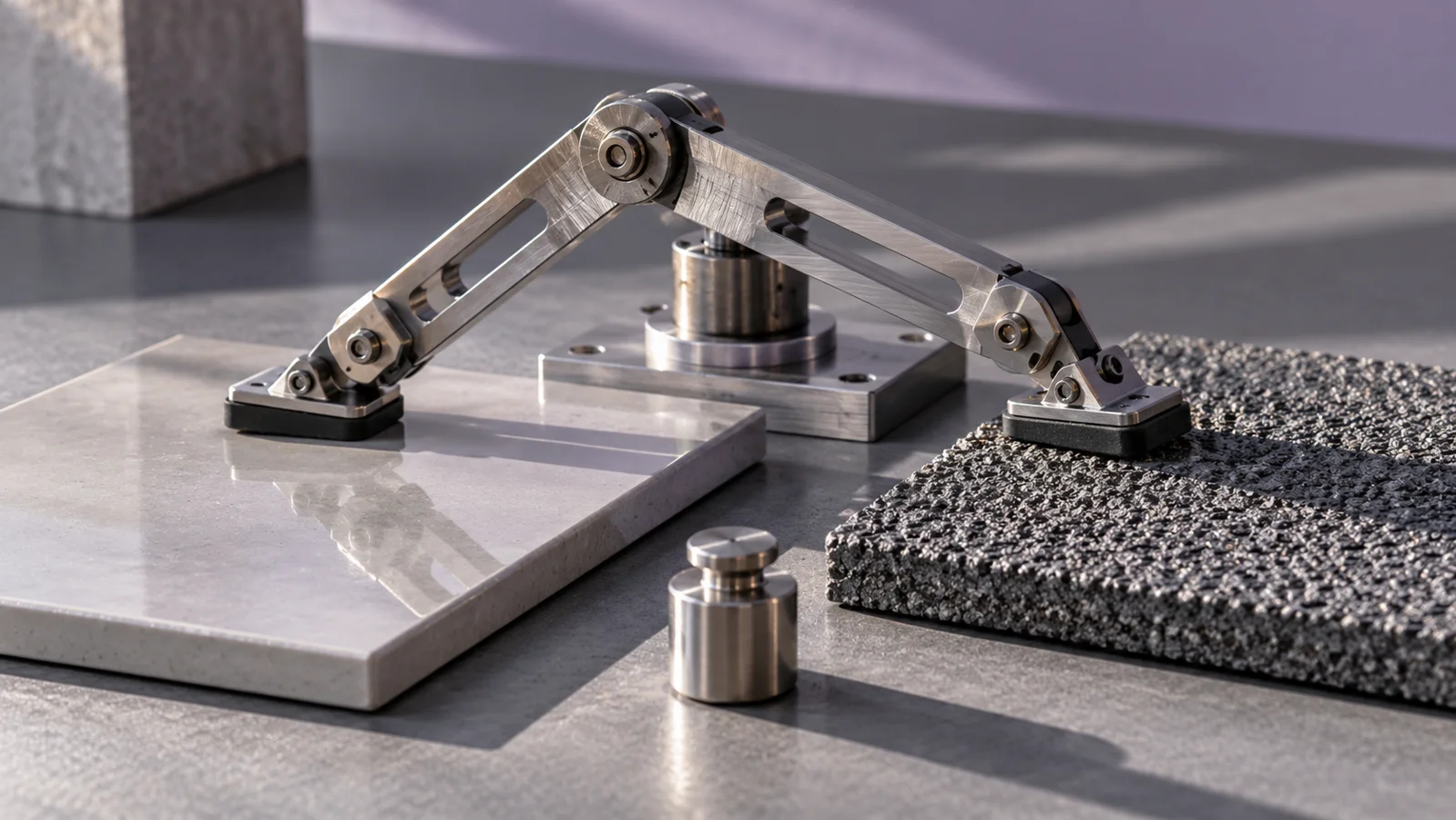
Next, distinguish the visible surface from the representation used for contact. A simplified collision shape may be useful for an intended runtime, but it can differ from the detailed rendering. The important question is whether that simplification preserves the feature your task depends on. A small lip or opening may be decorative for one exercise and decisive for another.
For an articulated object, inspect how motion is represented. Which parts move relative to each other? What limits are specified? What does the model assume remains fixed? A detailed mesh of a hinge is not the same as a documented joint configuration. Do not infer working movement merely from appearance.
Keep physical properties in their own notes. Write whether a value is documented for the asset, estimated for the exercise, or chosen simply to explore sensitivity. Those categories should not become indistinguishable after a successful-looking run. A result based on an assumed parameter is a result under that assumption.
For the ramp example, you could deliberately try two different plausible parameter choices and observe whether the conclusion changes. We are proposing the comparison, not reporting its outcome. If the answer is sensitive to a value you do not know, that tells you what information to seek next.
The habit is simple: inspect what the simulator uses, not only what the camera shows.
Build a scene that makes its assumptions visible
Keep the first scene sparse. One object, one surface, and one clearly defined observation are easier to understand than a warehouse full of attractive assets. Save the initial arrangement and the settings you use. If you change several things at once, describe the run as a new overall scene rather than attributing its behavior to one property.
Choose an observation before running. For the block exercise, that could be whether the object reaches a marked region in the virtual scene under the chosen conditions. For a fit exercise, it might be whether the geometry intersects a boundary. Define what counts as success and what you will record if the scene behaves unexpectedly.
Keep a view that reveals the important contact or clearance. A cinematic camera angle can obscure exactly the event you need to inspect. You can make a beautiful demonstration later; the first useful view is the one that lets you see what happened.
Use labels in your own notes to distinguish supplied asset data from scene-level choices. An asset may contain useful properties, while gravity, runtime settings, initial positions, or the task itself are defined elsewhere in the project. A complete result depends on their combination. The asset library cannot choose the research question for you.
When using the SimReady tools, follow the current documentation for the relevant profile and runtime. Passing a content validation step is evidence about meeting that step's requirements. It is not, by itself, evidence that a trained policy will transfer to a particular physical setup.
Our recommendation is to save the smallest version of the scene that still demonstrates the question. That gives you a reference when later complexity makes the behavior harder to explain.
Compare virtual assumptions with a separate physical lesson
A physical observation can help you notice assumptions, even when it is not a formal validation experiment. You might compare how two ordinary objects contact a surface, note the dimensions that matter, or inspect which parts of a mechanism actually move. Keep that observation distinct from a claim that your virtual asset matches a real product.
If you want a separate introduction to physical programming, the Makeblock mBot coding robot kit (affiliate link) is an optional example; Makeblock documents programming the original mBot with mBlock 5. Verify the exact generation, kit contents, device support, and age or supervision guidance, and do not assume the kit integrates with SimReady or transfers a simulated policy.
As an Amazon Associate I earn from qualifying purchases. This optional recommendation is not a claim of hands-on testing.
You do not need to buy a robot for the asset-reading exercise. A ruler, a cardboard shape, or a drawing can help you think about scale and contact. The purchase should follow a specific learning goal, not the assumption that more hardware automatically makes a simulation more meaningful.
If you later compare a simulation with physical behavior, write down how the two setups differ. Shape, material, starting conditions, sensing, and control can all be relevant to the question. Do not describe a rough visual resemblance as a matched experiment. State what you actually observed and what remains unknown.
Keep any real-device activity within the manufacturer's documented setup and appropriate supervision. This article does not provide motion commands, payload instructions, or a procedure for deploying a learned controller. The useful connection is conceptual: physical systems make assumptions concrete, and concrete assumptions are easier to question.
That distinction lets a beginner enjoy robotics without treating a successful-looking animation as proof about a machine.
Read a simulation demo with two kinds of evidence
When watching a demo, look for evidence about the scene and evidence about the task. Scene evidence explains what assets, properties, and runtime configuration were used. Task evidence explains what the system was asked to do, how success was defined, and which trials were included. One cannot stand in for the other.
Ask whether the demo shows a selected success or a described evaluation set. Both can be worth watching, but they support different conclusions. A single smooth pick-and-place sequence can illustrate a workflow without establishing reliability across new objects, viewpoints, or environments.
Look for the boundary between simulation and physical deployment. Was the result entirely virtual? Was there a separate real-world test? Which parts of the system changed between the two? If those details are absent, keep your conclusion at the level of what was actually shown.
Also inspect the provenance and use terms of the assets you plan to adopt. Discoverability in an open library does not remove the need to read the relevant dataset or asset license and attribution requirements. Check the particular materials rather than treating the word open as a universal permission for every downstream use.
For an AI training project, ask which variation the system sees. If every example uses the same appearance and arrangement, the exercise may teach a narrower behavior than the final goal requires. Deciding what variation is appropriate is part of the project design; it is not solved by downloading more assets indiscriminately.
These questions are not reasons to dismiss simulation. They are how you distinguish a useful virtual experiment from a persuasive animation. The clearer the assumptions, the easier it is to learn something from either success or failure.
Make a small asset passport
Before building a larger scene, create a one-page passport for one asset. Include where it came from, its version, relevant use terms, the profile it supports, and the properties your task depends on. Add a short section for unknowns and assumptions you introduced yourself.
Then ask another person to read the passport with the task description. Can they tell why the asset is suitable? Can they identify a missing value that could change the outcome? Can they distinguish a validation check from a physical performance claim? If not, improve the notes before expanding the scene.
For the block-and-ramp exercise, a good result might simply be identifying that the conclusion depends on a contact assumption you have not justified. That is useful progress. It directs the next measurement or documentation search instead of encouraging you to tune the scene until it produces the desired animation.
SimReady Central's appeal is the possibility of spending less time preparing basic asset properties and more time asking worthwhile questions. The responsibility that remains is choosing the right properties for the task and preserving their meaning as assets become a scene. A virtual object becomes scientifically interesting when you can explain both what it represents and what it leaves out.
Try this, then make it yours.
Choose one documented simulation asset or sketch a simple block-and-ramp scene. Write an asset passport with units, relevant properties, provenance, and unknowns before deciding what a successful run would mean.
Explore the tool ↗Follow the signal.
Our reporting starts here. Practical suggestions are our analysis, and vendor performance statements are claims unless independently verified. We haven’t hands-on tested this release.
- NVIDIA: SimReady Central Library announcement ↗ · 2026-10-21
- NVIDIA: SimReady Foundation content guidelines and requirements ↗
- NVIDIA: SimReady Foundation repository ↗
- Makeblock Help Center: What is mBot? ↗