Prepare the next human task
This is a workflow method, not a new product announcement. Before leaving a connected workspace, make a small handoff note: what you are writing, which facts are established, what still needs verification and the next paragraph you can draft yourself.
For a hypothetical short explainer about image-generation tools, that might be an outline, two saved source notes and a reminder to verify the current export options later. Mark the unverified detail clearly. Losing access to a cloud assistant should not turn a remembered feature into a fact.
Source: Google Docs Editors Help: Work on Docs, Sheets and Slides offline — Computer ↗ · ProtoArc: XK01 Plus specifications and system requirements ↗
Check the file before the journey
Google’s computer instructions for Docs offline access require advance setup while connected, Chrome or Edge, the Docs Offline extension and sufficient local storage; private browsing is excluded. Specific files can be marked available offline. That enables document editing, not a promise that cloud AI features work without a connection. Follow the separate instructions for a phone or tablet.
Test the exact document on your own device before relying on it. Alternatively, use a local text editor and a permitted copy of your notes. Do not copy restricted work files to a personal device merely to make this exercise convenient.
Keep the setup smaller than the job
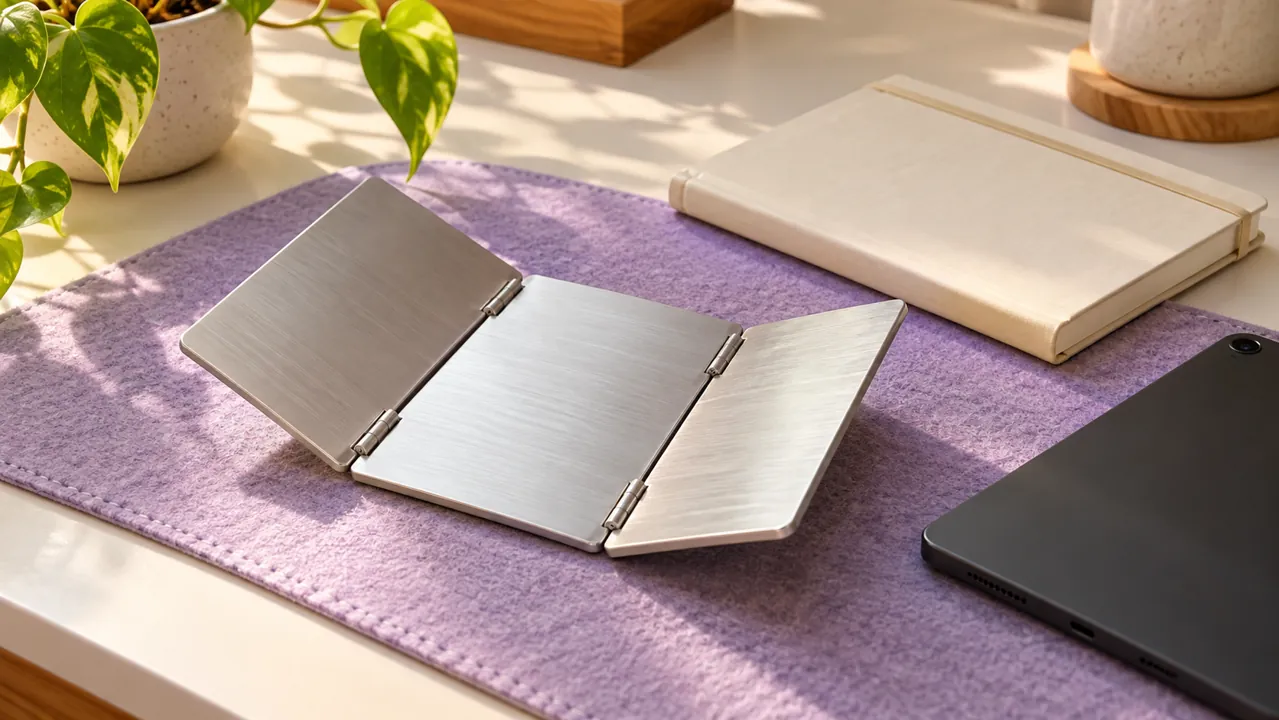
If an external keyboard suits your mobile writing setup, the ProtoArc XK01 Plus folding keyboard (affiliate link) is one optional example: its manufacturer lists a 105-key layout, Bluetooth Low Energy requirements and USB-C charging. Check the listed operating-system support and your preferred layout first; your existing keyboard or on-screen keyboard is enough to try the workflow.
As an Amazon Associate I earn from qualifying purchases. This optional recommendation is not a claim of hands-on testing.
When you reconnect, do not immediately ask an AI to replace everything you wrote. First identify the unresolved questions. Ask for help with those questions individually, verify any new factual answers and keep the parts of your draft that already communicate clearly.
Our suggested measure of success is one completed paragraph and one shorter list of unknowns. You are building continuity between human work and AI assistance, not trying to simulate a full online workspace in a travel bag. We have not tested the keyboard or measured a productivity improvement.
Try this, then make it yours.
Create a four-line handoff note for one non-sensitive draft. Confirm you can open its working file offline, then write one paragraph without asking an AI for another version.
Explore the tool ↗Follow the signal.
Our reporting starts here. Practical suggestions are our analysis, and vendor performance statements are claims unless independently verified. We haven’t hands-on tested this release.
- Google Docs Editors Help: Work on Docs, Sheets and Slides offline — Computer ↗
- ProtoArc: XK01 Plus specifications and system requirements ↗