A smaller active slice
Liquid AI introduced LFM2.5-24B-A2B on October 13. The company describes a reasoning and tool-use model with 24 billion total parameters but about two billion active per token. It supports local inference through several runtimes, including llama.cpp and MLX. Its published benchmark comparisons show strengths on some agent tasks and weaker results on others; they do not establish that it wins every workload.
The useful beginner question is what those two parameter counts mean for your setup. Our interpretation: treat them as different clues, rather than reading the smaller number as a promise that the entire model fits anywhere.
Source: Liquid AI: Run fast, private agents on-device with LFM2.5-24B-A2B ↗ · Samsung: P9 and P7 portable SSD announcement ↗
Separate three kinds of space
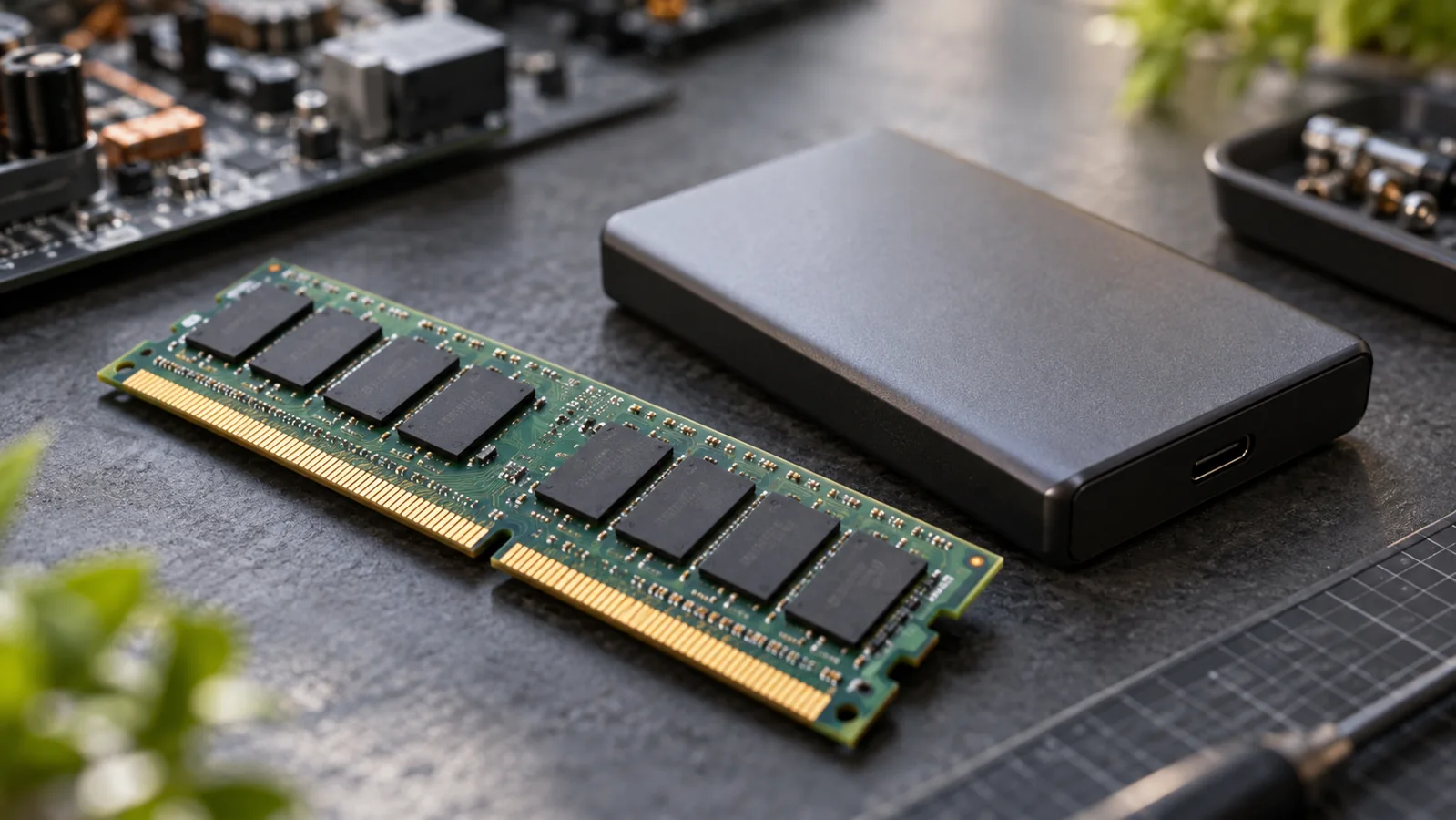
For a first local experiment, make a three-column checklist. The first column is disk storage: the downloaded model files, input documents, and saved outputs. The second is working memory: what the selected runtime needs while the model is operating. The third is the task budget: how much time and repeated work you are willing to spend to get a usable result.
These columns answer different questions. Room for a download does not establish enough working memory. A fast answer does not establish a correct tool action. Before installing anything large, check the exact model variant and runtime documentation against your machine, rather than buying around a headline.
If your experiment files outgrow existing storage, the Samsung Portable SSD P9 2TB (affiliate link) is an optional external-file-storage example; Samsung documents the P9 as a USB4 portable SSD. It does not add RAM or establish that your computer can run this model, and using storage you already own is a sensible starting point.
As an Amazon Associate I earn from qualifying purchases. This optional recommendation is not a claim of hands-on testing.
Start with a reversible job
Our suggested trial is a folder of invented project notes. Ask the agent to produce a separate index listing each file, a short summary, and one unresolved question. Keep the originals read-only, and inspect whether each summary actually matches its file before granting any ability to rename or edit.
Record the model variant, runtime, settings, elapsed time, and corrections you made. That gives you a result you can compare with a smaller model or a different setup later. The win is a repeatable workflow on equipment that fits your needs, not merely getting a large download to launch.
Finally, trace the whole workflow’s connections. Running inference locally does not by itself show that every connected search tool, plugin, or logging service stays on your device. Ask where the documents go at each step before adding private material.
Try this, then make it yours.
Write your three-column hardware checklist, then compare it with the requirements of one exact model variant and runtime.
Explore the tool ↗Follow the signal.
Our reporting starts here. Practical suggestions are our analysis, and vendor performance statements are claims unless independently verified. We haven’t hands-on tested this release.
- Liquid AI: Run fast, private agents on-device with LFM2.5-24B-A2B ↗ · 2026-10-13
- Samsung: P9 and P7 portable SSD announcement ↗ · 2026-08-26