Three updates, three different promises
IBM's October 21 Granite Speech announcement groups together a new 5.0 2B speech-language model, a revised 470M Turbo CTC transcription model, and an updated 4.1 2B Plus model. The shared family name should not obscure the different jobs: transcription and translation, high-throughput transcription, and richer multi-speaker records.
IBM reports improvements in accuracy, robustness, and speed under its evaluation conditions. Those are reported results rather than tests performed by Signal Scroll. The announcement directs users toward different models depending on whether they prioritize translation, throughput, or speaker information. It does not establish that every variant provides every feature.
The practical question for a creator is therefore simple: what must the output help you do? A caption editor needs readable words at the right moment. A researcher comparing a discussion may care about who spoke. A bilingual creator needs the meaning checked across languages. These goals overlap, but choosing one does not automatically satisfy the others.
This article proposes a small audition you can adapt using audio you own or have permission to process. It is not a benchmark of Granite, a claim that we listened to its output, or a recommendation to replace a qualified translator. The aim is to decide what evidence you would want before trusting a speech tool for your actual project.
Start with one line in a notebook: I need this output to help me do what? Make the answer observable. Find a passage for an edit is better than make my workflow smarter. That sentence will guide which model documentation you read and which mistakes you look for.
Source: IBM Granite: Granite Speech 5.0 update ↗ · IBM: Granite Speech 5.0 2B model card ↗ · IBM: Granite Speech 4.1 2B Plus model card ↗ · Bose: QuietComfort Ultra Headphones, second generation specifications and USB audio ↗
Write a brief for a tiny audio audition
For a proposed first test, choose a short, non-sensitive recording with a known purpose. You could record yourself describing a hobby project and include a few relevant names. Keep the original file unchanged. Write a reference transcript manually before asking a model to process it, so you are not unconsciously using the model's answer as your reference.
Define the output separately from the input. If the job is transcription, ask for the words in the original language. If the job is translation, specify the source and target language and plan for a competent bilingual reviewer. If the job involves speaker attribution, use a permissioned sample with clearly distinguishable speakers and record the true turns yourself.
The 5.0 2B model card documents prompt-controlled transcription and translation behavior and runtime examples. Use the current card for supported modes and setup details. Do not assume a translation direction exists because a language appears elsewhere in the model family.
For the audition sheet, write down the exact model identifier, documentation version or access date, prompt, input file, and settings you used. You are creating enough context to interpret the result later, not proving universal performance. A successful short clip does not establish suitability for hours of different audio.
Keep the comparison fair if you change tools. Use the same original file and the same intended task. If one system produces a polished paragraph while another preserves disfluencies, decide which output your job requires before calling either one better.
Finally, define what would make the test inconclusive. Perhaps your reference is uncertain, the sample is too easy, or no qualified person can check the target language. An inconclusive result is more useful than a confident ranking based on an unsuitable sample.
Review the mistakes your project would actually feel
For a creator's proposed error log, separate word mistakes from consequential meaning changes. A missed article and a changed negation should not receive the same editorial attention merely because both occupy one place in the text. This is a practical review suggestion, not a replacement for formal speech evaluation metrics.
In a hypothetical tutorial, the speaker says a tool should not be used in a particular step. If a transcript loses the not, the sentence may remain perfectly readable while reversing the instruction. In another example, a project name may become an ordinary word, making a source hard to find. Mark these as distinct error types.
Use three passes. First, read the output without editing and mark suspicious passages. Second, listen to those passages against the original audio. Third, check the rest of the clip so your attention is not limited to mistakes that looked unusual on the page. Fluent text deserves checking too.
For repeated technical terms, prepare a short glossary from the material you are actually transcribing. IBM's announcement documents keyword biasing in the family. A glossary is a prompt aid, not evidence that a term was spoken. In a proposed comparison, check whether the tool inserts a suggested term where the audio does not support it.
Do not fix the reference silently halfway through a test. If you discover your manual transcript was wrong, record that correction and why. Otherwise you can accidentally favor whichever output you saw last.
Your final note should describe the sample and the kinds of error observed, rather than declaring a model generally accurate. That narrower statement helps a collaborator decide whether your result is relevant to their own audio, and it keeps a small creator experiment honest.
Speaker labels and timestamps deserve their own pass
The 4.1 2B Plus card describes speaker-attributed transcription and word-level timing as prompted modes. Its speaker numbers follow order of appearance; they are not verified real-world identities. The card also documents a special timestamp representation and notes that this variant does not provide punctuation and capitalization. Read those details before feeding output into an editing workflow.
For a proposed two-person clip, write a separate reference for speaker turns. You can use neutral labels such as first speaker and second speaker. Do not assign a person's name merely because the model numbered a voice. Ask the participants or inspect the source context where identity actually matters.
Now check timing against the edit you want to make. A readable transcript might still send you to the wrong moment. Pick several ordinary words and several turn boundaries, then compare their indicated locations with the recording. Use the model card's documented decoding instructions rather than interpreting raw timestamp tokens by intuition.
Keep transcript accuracy, attribution, and timing in separate fields. A tool could get most words right while confusing who said them. Another could label turns usefully while producing timing unsuitable for tight captions. One all-purpose quality score would hide that distinction from your future self.
This also changes the human review task. If your project quotes a speaker publicly, checking the words alone is insufficient. Confirm that the quotation belongs to the person credited and that your edit preserves the relevant context. An automatically generated label should help you find evidence, not stand in for it.
These are proposed review steps, not results from our own Granite test. They are useful because they map each output feature to the decision a creator might make with it. The more consequential the decision, the less sensible it is to rely on an unchecked combined output.
Use familiar listening gear before buying an answer
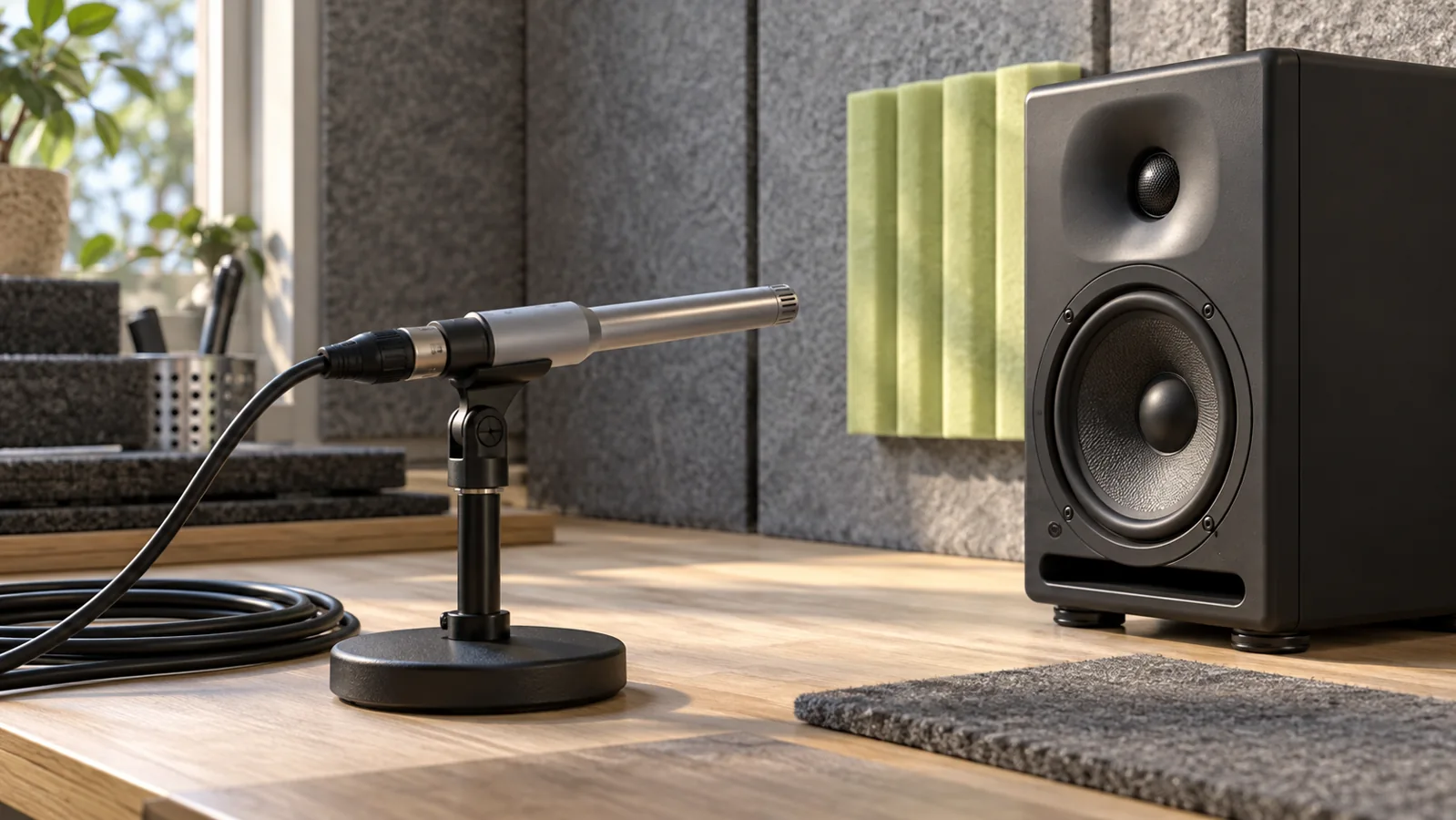
The audition should begin with the headphones or speakers you already have. Keep the listening setup consistent while comparing outputs, and avoid changing processing settings between passes without recording the change. The goal is to inspect the same source, not to make one version sound more impressive.
If you already need a listening option, Bose QuietComfort Ultra headphones, second generation (affiliate link) are one optional example: Bose documents USB-C audio input with compatible sources. They are not required for transcription review, and existing headphones remain a sensible no-purchase starting point.
As an Amazon Associate I earn from qualifying purchases. This optional recommendation is not a claim of hands-on testing.
Do not infer that a headphone feature improves a speech model's recognition. Playback equipment and model input are separate parts of this proposed workflow. We have not tested these headphones with Granite, measured their accuracy benefits, or established a universal compatibility claim.
For your own audition, keep the original recording and listen at a comfortable level. Compare the transcript with the source rather than with a regenerated or heavily edited copy. If you decide to evaluate preprocessing, make that a separate experiment with a clearly labeled copy and a reason for the change.
A useful listening note is specific: the reference word is unclear even to the reviewer, the speaker overlaps another voice here, or the clip ends before the phrase resolves. These notes identify uncertainty the model output may conceal. They also prevent you from calling a guess a confirmed correction.
This is where a small test becomes educational. You learn not only which tool output you prefer, but why parts of your own source are difficult to review. That knowledge can improve your next recording plan without requiring you to purchase anything at all.
Decide whether to use it with a job-specific receipt
At the end of the audition, write a short decision that includes the task, sample, output mode, human checks, and unresolved limitations. For example, a hypothetical creator might decide a transcript is useful for locating rough edits but still requires manual correction before publication. That conclusion can be useful without becoming a claim of publish-ready automation.
For translation, the decision needs someone competent in the languages involved. Readable target-language prose does not establish that it preserves the original meaning. If that review is unavailable, keep the outcome unverified. Do not use an AI-generated back-translation as the only evidence that another AI translation is correct.
For speaker work, keep uncertain labels neutral. For caption timing, verify the delivered format in the actual editing tool you plan to use. For a technical tutorial, prioritize the names, numbers, and instructions that would change what a viewer does. Each project gets its own acceptance criteria.
Also decide what happens to the source audio and outputs. Use recordings you are entitled to process, tell collaborators what the exercise involves, and keep unnecessary personal material out of a casual test. A published transcript can reveal information that was easy to overlook in a long recording.
Your next audition should answer the biggest remaining question, not simply repeat the easiest successful clip. If the first sample contained one clear voice, a permissioned multi-speaker sample might be informative for a conversation project. If the job is translation, another transcription-only test will not answer the translation question.
The Granite update gives builders more documented choices. The useful creator habit is to choose the job first, then collect evidence for that job. You finish with an output you understand, a review process you can explain, and a realistic view of which decisions still belong to a human.
Try this, then make it yours.
Make a short recording of your own non-sensitive project explanation. Write a manual reference and a list of names to check. Audition one documented mode, then keep separate notes for wording, meaning, speakers and timing.
Explore the tool ↗Follow the signal.
Our reporting starts here. Practical suggestions are our analysis, and vendor performance statements are claims unless independently verified. We haven’t hands-on tested this release.
- IBM Granite: Granite Speech 5.0 update ↗ · 2026-10-21
- IBM: Granite Speech 5.0 2B model card ↗
- IBM: Granite Speech 4.1 2B Plus model card ↗
- Bose: QuietComfort Ultra Headphones, second generation specifications and USB audio ↗