A new model, not a new camera app
Meta released Muse Spark Open on October 15. The company describes a coding- and agent-focused model that accepts text, images, audio, and video and produces text. Weights and hosted access are available, with deployment requirements and license conditions to review before building.
Hugging Face’s integration guide shows how developers can pass different media into the model. That does not mean every app offering the model exposes every input type. Check the particular interface you plan to use. We have not benchmarked it or tested the workflow below.
Source: Meta: Introducing Muse Spark Open ↗ · Hugging Face: Welcome Muse Spark Open ↗ · OBSBOT: Tiny 2 Lite technical specifications ↗
Make the question answerable
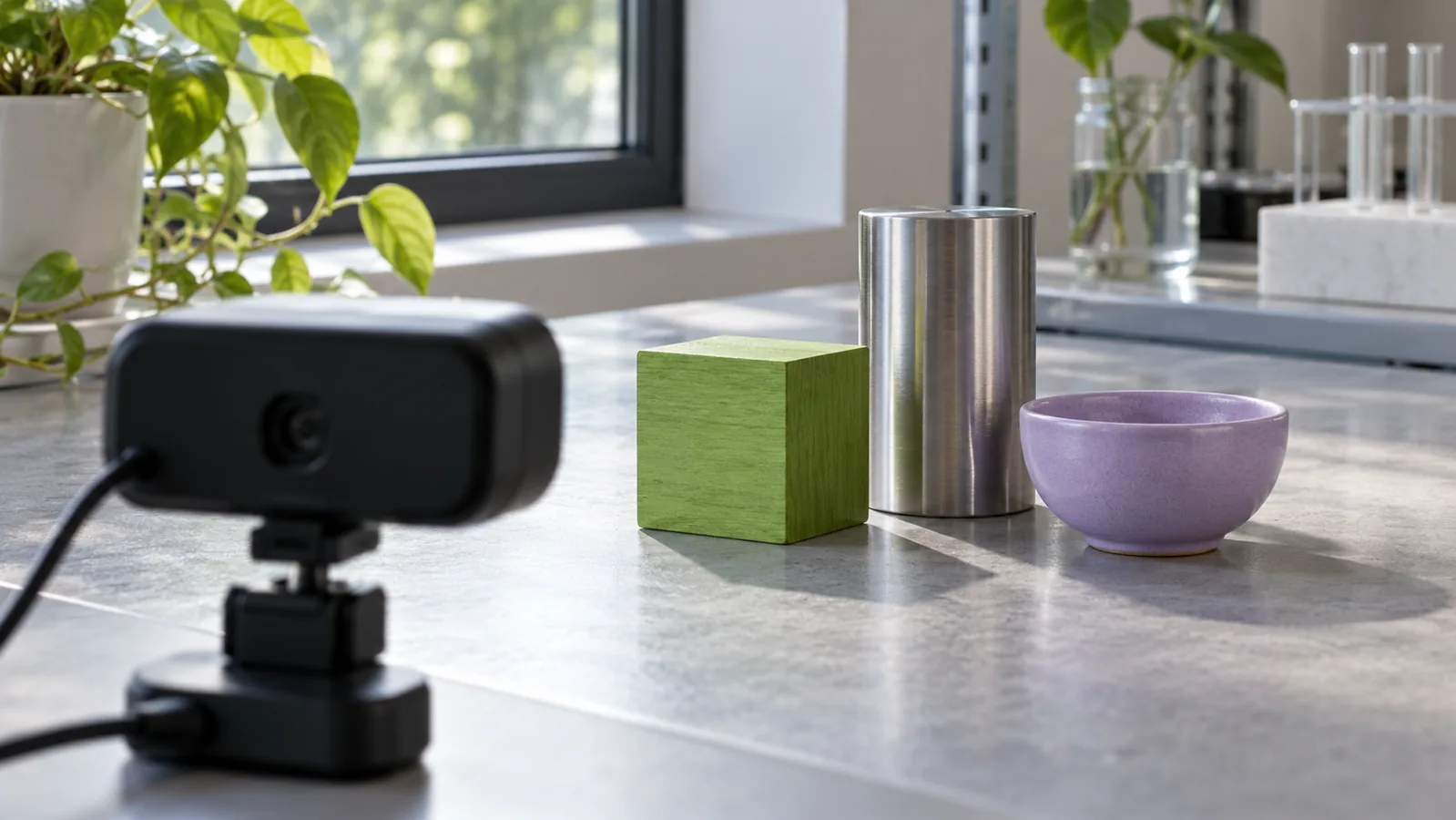
Our suggested first exercise is a small tabletop scene with ordinary objects you own. Ask an observation question with an answer you can check, such as which object is closest to the bowl. Then ask a different question that the picture cannot settle, such as which object was purchased first.
The distinction is the point. A fluent answer to the second question would need evidence outside the image. Before running the exercise, write down what the frame actually contains and what you would need another source to establish. You now have a way to assess the response beyond whether it sounds convincing.
Keep the scene free of people, private documents, reflective screens, and identifying details. Use the hosting provider’s current data-handling terms to decide what is appropriate to upload; an open-weight release does not tell you how every hosted service handles your files.
Control the capture before changing the prompt
Take one clear image with a fixed viewpoint. If the result is difficult to interpret, change one capture condition—perhaps lighting or framing—while keeping your question the same. Save both inputs rather than comparing an answer with a memory of what the original looked like.
If you already need a desk-camera setup, the OBSBOT Tiny 2 Lite (affiliate link) is one optional capture device; its manufacturer publishes supported resolutions and Windows/macOS requirements. Use a camera you already own first, and do not treat the webcam as a Muse integration or a promise that your computer can run the model.
As an Amazon Associate I earn from qualifying purchases. This optional recommendation is not a claim of hands-on testing.
A screenshot or saved frame may be enough for a first experiment if your chosen interface supports images. There is no need to build a live video pipeline to find out whether a question is well specified.
Keep an uncertainty column
For each response, record what was correct, what was unsupported, and what needed clarification. An answer that asks for a clearer view can be useful. An answer that invents an unseen label or history needs a different response from one that simply cannot resolve a small object.
Try a second question whose answer is absent from the scene. Do not trick anyone or introduce dangerous objects; a mundane missing fact is sufficient. The exercise is meant to expose the boundary between observation and inference, not produce a dramatic failure clip.
If you later connect a model to tools, keep this boundary visible. A description of an object should not automatically become permission to buy, edit, send, or delete anything. Write the proposed next step separately and decide where a person should approve it.
Try this, then make it yours.
Create a private-free tabletop image and write one answerable observation question plus one question requiring information outside the frame.
Explore the tool ↗Follow the signal.
Our reporting starts here. Practical suggestions are our analysis, and vendor performance statements are claims unless independently verified. We haven’t hands-on tested this release.
- Meta: Introducing Muse Spark Open ↗ · 2026-10-15
- Hugging Face: Welcome Muse Spark Open ↗ · 2026-10-15
- OBSBOT: Tiny 2 Lite technical specifications ↗