A place for the subject, not just a description
Hugging Face’s October 15 guide introduces FLUX.3 Image Klein in Diffusers, with text-to-image generation, multiple image references, and bounding-box layout instructions. The guide documents regions that specify where content should appear or move. It also distinguishes a faster distilled checkpoint from a base checkpoint and lists different hardware requirements.
These are documented capabilities and examples, not Signal Scroll test results. Our practical interpretation is that composition is becoming a more explicit part of the prompt: you can describe both the scene and the space its elements should occupy.
Source: Hugging Face: Welcome FLUX.3 Image Klein in Diffusers ↗ · Sony: ZV-E10 camera and lens kit ↗
Sketch the empty space first
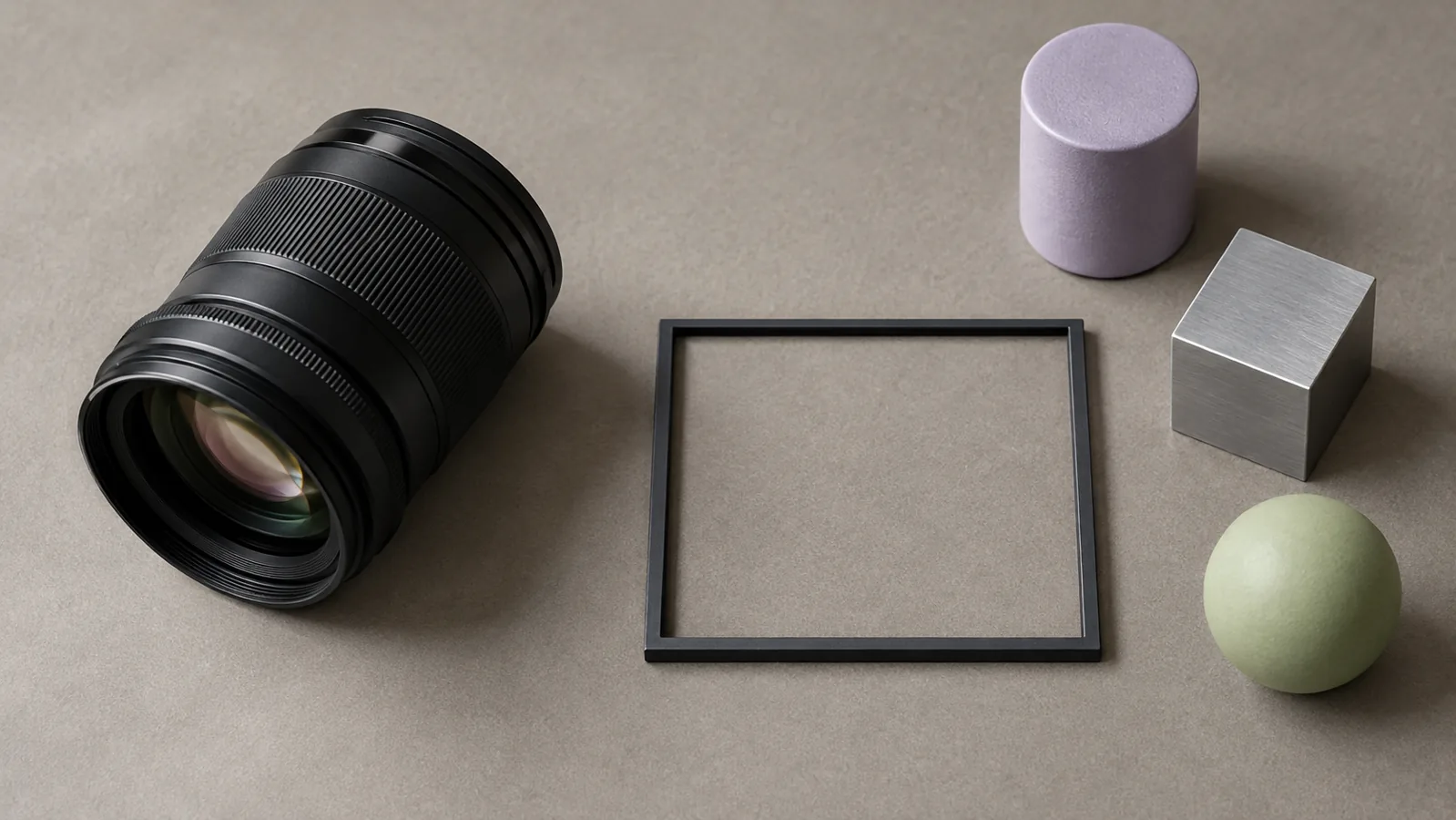
Imagine making a thumbnail for a video about a weekend electronics project. Your object needs to be readable, but the final design may also need room for a title added in your editing software. Before generating anything, draw a simple rectangle and mark the areas you want to keep clear.
Then separate the requirements into two groups. One group describes the subject: its materials, viewpoint, and lighting. The other describes placement: how large the object should be, where it should sit, and what must remain empty. If a result looks attractive but leaves no useful title area, it has missed part of the brief.
A useful reference image does not have to look polished. It needs to communicate the thing you actually want to preserve. Avoid supplying several references with conflicting viewpoints and then expecting the model to know which conflict matters.
Make your own reference set
Try photographing an object you own from one consistent angle, then taking a separate view of the surface or background. Use only images you have the right to process, and remove private details before uploading them.
If you already shoot with a dedicated camera, a Sony ZV-E10 with 16–50mm lens (affiliate link) is one optional reference-capture setup; Sony documents the ZV-E10 lens kit as an interchangeable-lens camera. A phone you already own is enough for this exercise, and no camera purchase is required to use the image model.
As an Amazon Associate I earn from qualifying purchases. This optional recommendation is not a claim of hands-on testing.
Keep the original photos outside your experiment folder. That makes it easier to tell the captured object from a generated interpretation later, especially if you plan to publish a comparison.
Choose by the brief, not the surprise
For a small trial, request one composition with two different object positions while keeping the other instructions constant. Before viewing the results, write down what would count as success: perhaps an unobstructed silhouette, consistent material appearance, and enough clear space for your design.
Save the prompt and reference order with each result. If something changes unexpectedly, you will have a useful record to inspect rather than another anonymous image in a downloads folder. Treat the exercise as a way to learn the controls, not evidence of guaranteed editing accuracy.
Try this, then make it yours.
Draw a thumbnail rectangle with one subject area and one empty area before trying a layout-controlled generation.
Explore the tool ↗Follow the signal.
Our reporting starts here. Practical suggestions are our analysis, and vendor performance statements are claims unless independently verified. We haven’t hands-on tested this release.
- Hugging Face: Welcome FLUX.3 Image Klein in Diffusers ↗ · 2026-10-15
- Sony: ZV-E10 camera and lens kit ↗