What Apple announced
Apple announced Home Collection on October 13: cameras, thermostats, temperature sensors, a video doorbell and a door lock developed with LG Electronics and Schneider Electric. Apple describes setup and management through the Home app, with availability beginning in December and some accessories arriving in early 2027.
This is an announcement, not a claim that the whole collection is on shelves today. Apple’s footnotes say NFC pairing needs an iPhone with the latest software; additional features vary and require a compatible home hub. Some camera capabilities also need a supported iCloud+ subscription. Check the requirements for the exact accessory rather than assuming one purchase enables every advertised feature.
Source: Apple: Introducing Apple Home Collection ↗ · SwitchBot: Device Matter Compatibility ↗
Three boxes that explain the system
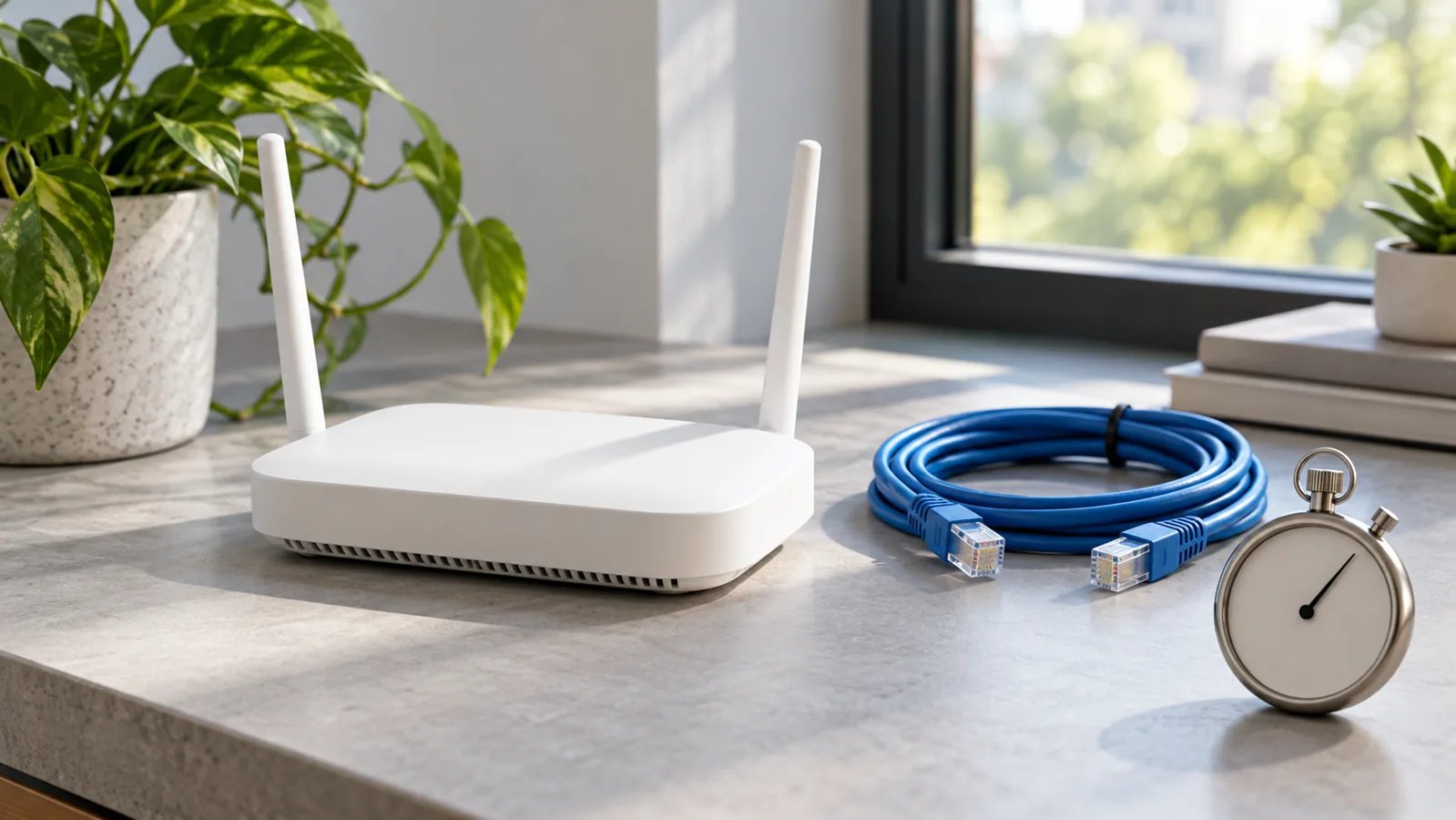
Our practical take is to draw three boxes before shopping. Put the physical accessory in the first: the light, sensor or other device you want to use. Put a bridge in the second only if one is needed. Put the ecosystem controller in the third. Then label what talks to what.
SwitchBot’s support documentation describes a Matter bridge as an intermediary that brings supported non-Matter SwitchBot devices into a Matter ecosystem. It also explains that an ecosystem-specific controller or hub is part of that connection. A bridge and an ecosystem controller therefore deserve separate entries on your plan; a similar-looking box is not automatically a substitute for another one.
If you already use supported SwitchBot accessories, the SwitchBot AI Hub (affiliate link) is one bridge option listed in the manufacturer’s compatibility guide. Check your exact devices and controller before buying; this does not establish compatibility with Apple’s newly announced accessories or make that hub necessary for the new collection.
As an Amazon Associate I earn from qualifying purchases. This optional recommendation is not a claim of hands-on testing.
Start with a job, not a room full of equipment
Choose one modest outcome you can explain to everyone who uses the space. A desk light that responds to a simple condition is easier to evaluate than a bundle of vaguely smart behavior. Write down the starting condition, the action and how to override it manually.
Then identify the awkward case. What should happen if the condition is reported late, someone changes their mind, or a connection is unavailable? You do not need to predict every failure to notice that a useful automation needs an understandable off switch. Avoid making your first experiment depend on access control, critical heating or another consequential action.
You can do this planning without buying anything. Inventory the devices you already have, their model numbers, the app or controller they currently use, and the feature you actually want. Compare that inventory with manufacturer documentation. A missing connection on paper is cheaper to discover than after opening a box.
Treat privacy as a feature-specific question
A product description that mentions local functionality does not answer every question about an entire setup. For each feature, ask what information is collected, where it is processed, who can access it, what is retained and whether an ongoing service is required. Record an unknown as an unknown until the vendor’s documentation answers it.
For cameras, consider the people who share or visit the space, not just the account owner. A less intrusive sensor may be sufficient for the outcome you want. More detailed data is not automatically a better starting point for a routine.
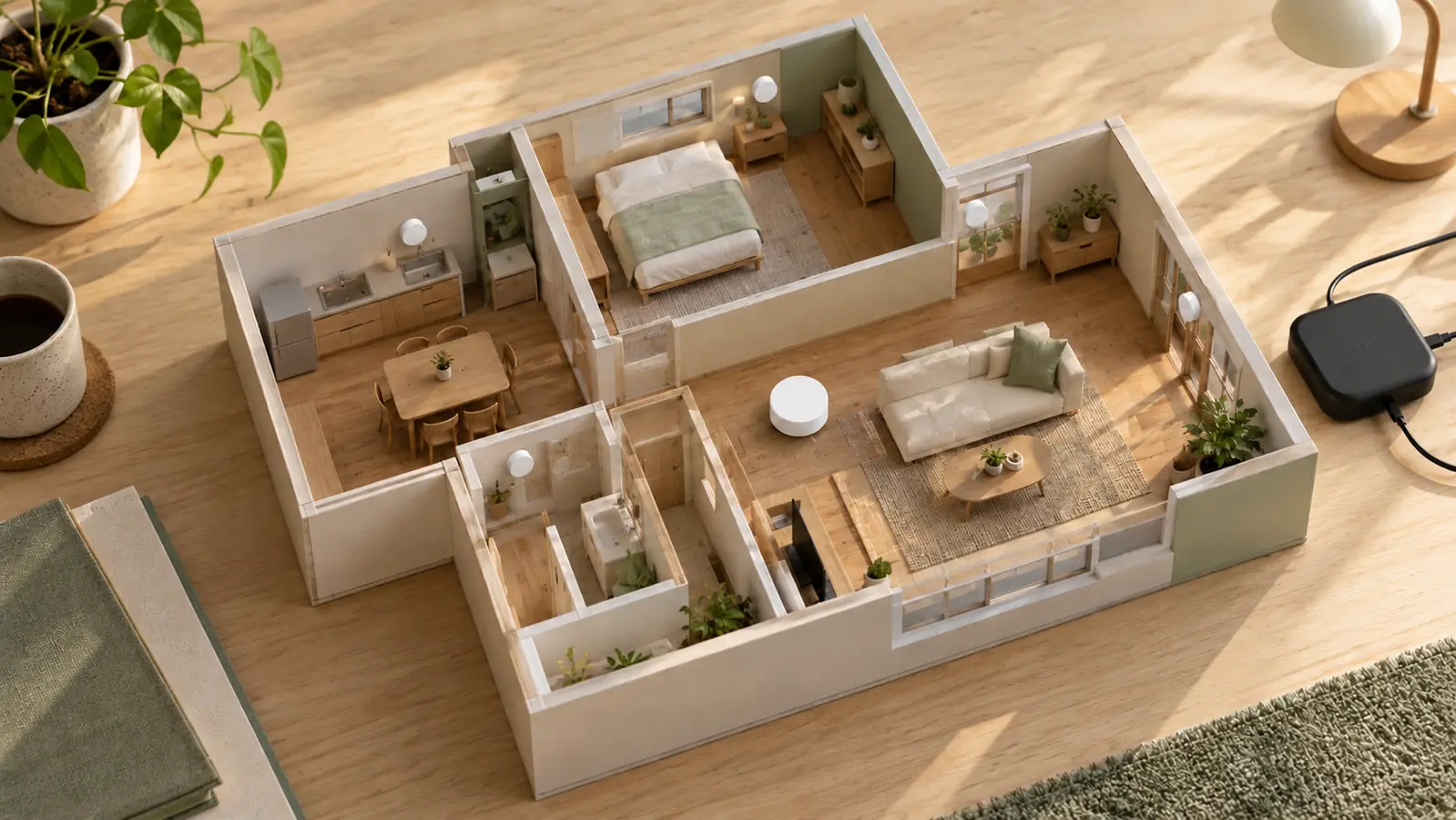
The new collection makes smart-home planning timely, but the useful decision remains personal: which problem is worth solving, and which dependencies are you comfortable maintaining? Our connection map is a suggested planning method. We have not installed or tested these products, compared their reliability, or verified every vendor privacy claim.
Try this, then make it yours.
Draw your accessory, any required bridge and ecosystem controller, then annotate one feature’s compatibility, costs and manual override.
Follow the signal.
Our reporting starts here. Practical suggestions are our analysis, and vendor performance statements are claims unless independently verified. We haven’t hands-on tested this release.