The neat summary is only the beginning
You finish a conversation, ask an AI tool for the highlights, and get back something wonderfully tidy: decisions, deadlines, and next steps. It is tempting to forward the result immediately. But tidy is a writing style. Before those notes become the record everyone works from, give the important lines a route back to the recording.
This is a methods guide, not a new product announcement or a hands-on microphone review. Our recommendation is to build a small evidence trail: a saved original, a corrected working transcript, and a summary whose important claims point to moments you can replay. You do not need a complicated productivity system. A folder and a plain document can do the job.
There is a concrete reason to separate these layers. OpenAI's Whisper model card warns that its speech-recognition models can produce text that was never spoken and can perform unevenly across languages and speakers. That describes Whisper's documented limitations, not a measured error rate for every transcription app. It is enough reason to check consequential wording rather than treating readable text as proof.
Source: OpenAI: Whisper model card — performance, limitations and intended use ↗ · Hollyland: LARK A2 product configurations ↗
Decide what the notes are allowed to do
Before recording, agree on the purpose with the people involved. Are you creating private study notes, a shared project recap, or material for a public interview? Explain whether you intend to upload the audio to an AI service and who will receive the result. If someone is uncomfortable, make manual notes or use an agreed alternative. Getting that agreement is part of this workflow, not a substitute for checking your organization's requirements.
Next, choose the output. For a casual planning call, three sections may be enough: confirmed decisions, possible next steps, and unresolved questions. For an interview, you might need a separate list of candidate quotations that still require audio verification. Avoid asking for an authoritative account when you only need a memory aid.
Write down the boundary in one sentence before using AI: these notes describe what was discussed and must not add commitments. That sentence gives your review a purpose. You are looking for changes in meaning, not merely correcting punctuation. It also helps you explain to a collaborator why you left an uncertain detail unresolved instead of making the recap look complete.
Make the recording easy to check
Do a short rehearsal using the equipment you already own. Record ordinary speech in the actual room, then listen back through headphones. Can you distinguish each voice? Do clothing movement, a fan, or a distant participant obscure words? Move the microphone or change the seating before assuming that another AI pass will fix the problem. Keep an untouched original when you experiment with processing.
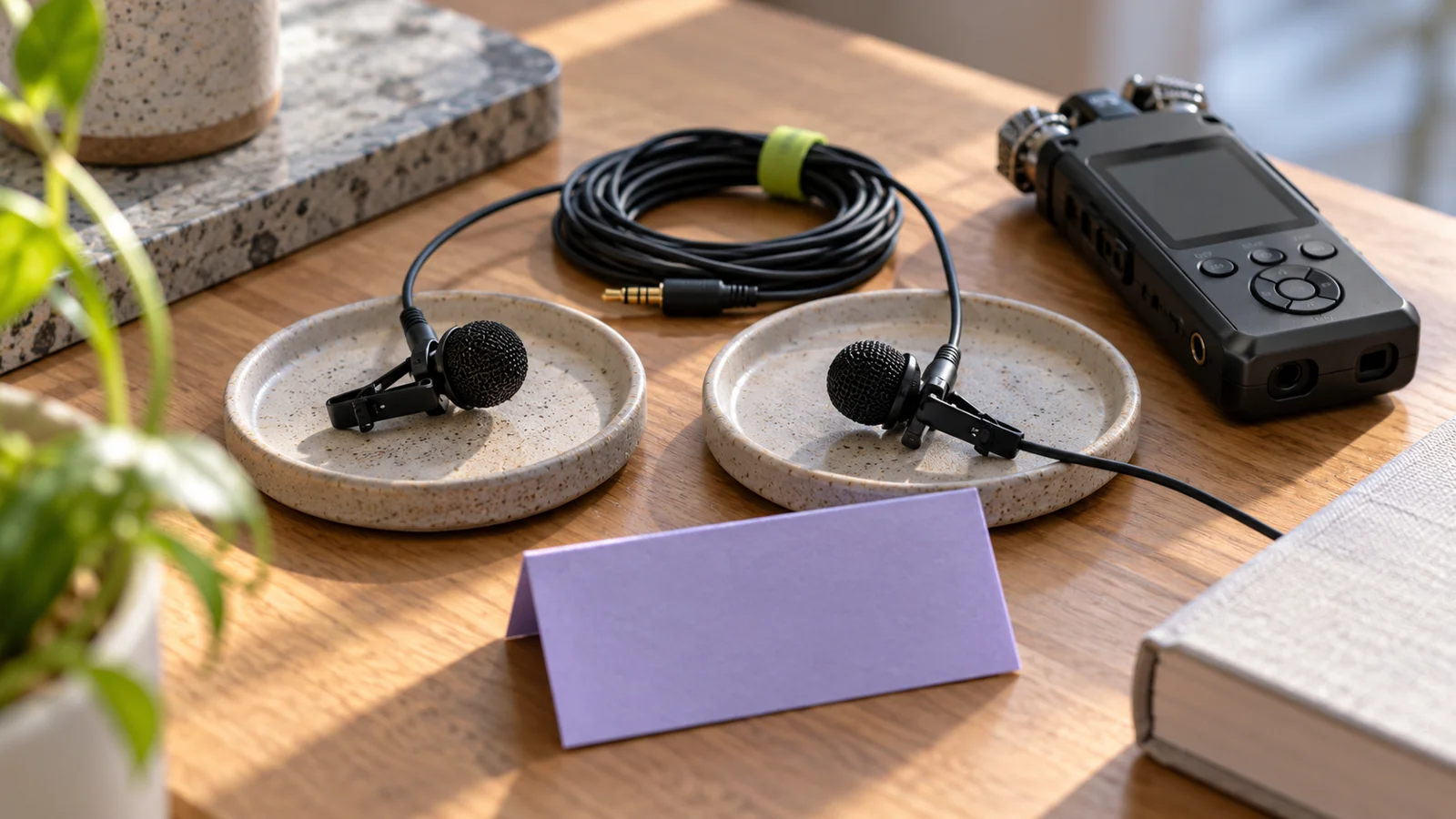
If you are researching a compact external option, the Hollyland Lark A2 Mini Duo (affiliate link) is one to compare with the microphone you already have; Hollyland lists that configuration with a USB-C receiver. Check your device, recording app, and the exact bundle before buying, and make the same short test either way.
As an Amazon Associate I earn from qualifying purchases. This optional recommendation is not a claim of hands-on testing.
That is an equipment example, not a claim that we tested the kit or that it improves transcription by a particular amount. The useful purchase question is whether it solves a problem you actually heard in your own recording. A phone placed closer to the speaker may be a sufficient no-purchase option. Your test recording should decide what needs attention.
Ask AI to preserve the loose ends
Work from a copy of the transcript. Keep the original audio available, and retain timestamps if your transcription tool supplies them. Before requesting a polished summary, correct the details that would be costly to get wrong: people's names, project names, amounts, dates, and who is speaking. If a passage remains unclear after listening, mark it as unclear. Do not ask the model to complete a missing statement from context.
Try this instruction with a transcript you are allowed to process: create a draft recap with separate sections for explicit decisions, proposed ideas, and open questions. For each action, include the stated owner and deadline only when present. Otherwise write not specified. Add a transcript timestamp or passage reference for every decision and action. Flag ambiguity instead of resolving it.
Those references are navigation aids, not independent verification. A model can point to the wrong passage, so open each one before sharing the recap. If your tool has no timestamps, assign simple paragraph numbers yourself and ask for those. The goal is to make a claim easy to inspect without pretending the document has a precision its source does not support.
Check the lines that change what happens next
Imagine a planning conversation in which someone says they could finish a draft Friday if the photographs arrive Wednesday. A summary that assigns them a Friday deadline has erased a condition. In this invented example, the safer action item is to confirm the photo handoff and then confirm the draft date. The condition belongs next to the task, where the team will see it.
Use three questions on every consequential line. Was this actually said? Did the speaker agree, or were they exploring an option? Does the sentence preserve any condition or uncertainty? Replay enough of the surrounding conversation to hear the exchange, not just the isolated phrase that appears to support the summary.
Check ownership with particular care. A mention of a person's name is not automatically an assignment. If nobody accepted the task, label the owner unconfirmed and ask the group to decide. The same applies to silence after a suggestion: your recap should not turn an absence of objection into an explicit commitment.
For direct quotations, compare the final words against the recording. If you have rewritten a statement for clarity, present it as a paraphrase rather than putting your revision inside quotation marks. Your objective is a recap people can correct and use, not a transcript that sounds more certain than the conversation.
Send a reviewable recap, then close the loop
Share the draft with a short request: please check your assignments and flag any missing conditions. Make it clear which items remain unconfirmed. For a small project, a reply from the relevant person may be enough to resolve an ambiguity. Record that confirmation as a later update rather than silently rewriting what the original conversation contained.
Keep access proportionate to the purpose. Someone who needs an action list does not necessarily need the whole recording. Before uploading audio, review the service's current storage, deletion, and data-use settings for your account. Do not assume that one product's privacy behavior applies to another product simply because both offer transcription.
Finally, agree on how long the working materials are useful. Keep the files you need under your applicable rules and remove unnecessary copies when appropriate. A useful notes workflow has an end as well as a start. The payoff is practical: next time someone asks where a deadline came from, you can show the source, identify what was confirmed later, and move the project forward.
Try this, then make it yours.
Record a two-minute fictional planning memo with a conditional deadline and an unassigned task. Ask an AI tool for a recap, then check whether it preserved both uncertainties. Use the result to improve your prompt before processing a real conversation.
Explore the tool ↗Follow the signal.
Our reporting starts here. Practical suggestions are our analysis, and vendor performance statements are claims unless independently verified. We haven’t hands-on tested this release.
- OpenAI: Whisper model card — performance, limitations and intended use ↗
- Hollyland: LARK A2 product configurations ↗